You’ve spent hours crafting what you believe is the perfect resume. You’ve listed your skills, your experience, and your education. You hit “send” on dozens of applications for jobs you know you’re qualified for, and then… silence. Crickets.
It’s a frustrating and disheartening experience that job seekers know all too well. You start to wonder, “What is wrong with me?” The truth is, it’s probably not you—it’s your resume.
In today’s hyper-competitive job market, your resume has a tough job. It needs to grab the attention of a busy recruiter who spends an average of just six to seven seconds scanning it. It also often has to bypass a digital gatekeeper known as an Applicant Tracking System (ATS) before a human pair of eyes ever sees it.
A single mistake, no matter how small, can send your resume straight to the “no” pile.
This comprehensive guide will walk you through the most common resume mistakes that are likely costing you interviews. We’ll explain why they are problematic and provide actionable steps to fix them, so you can finally start landing those interviews.
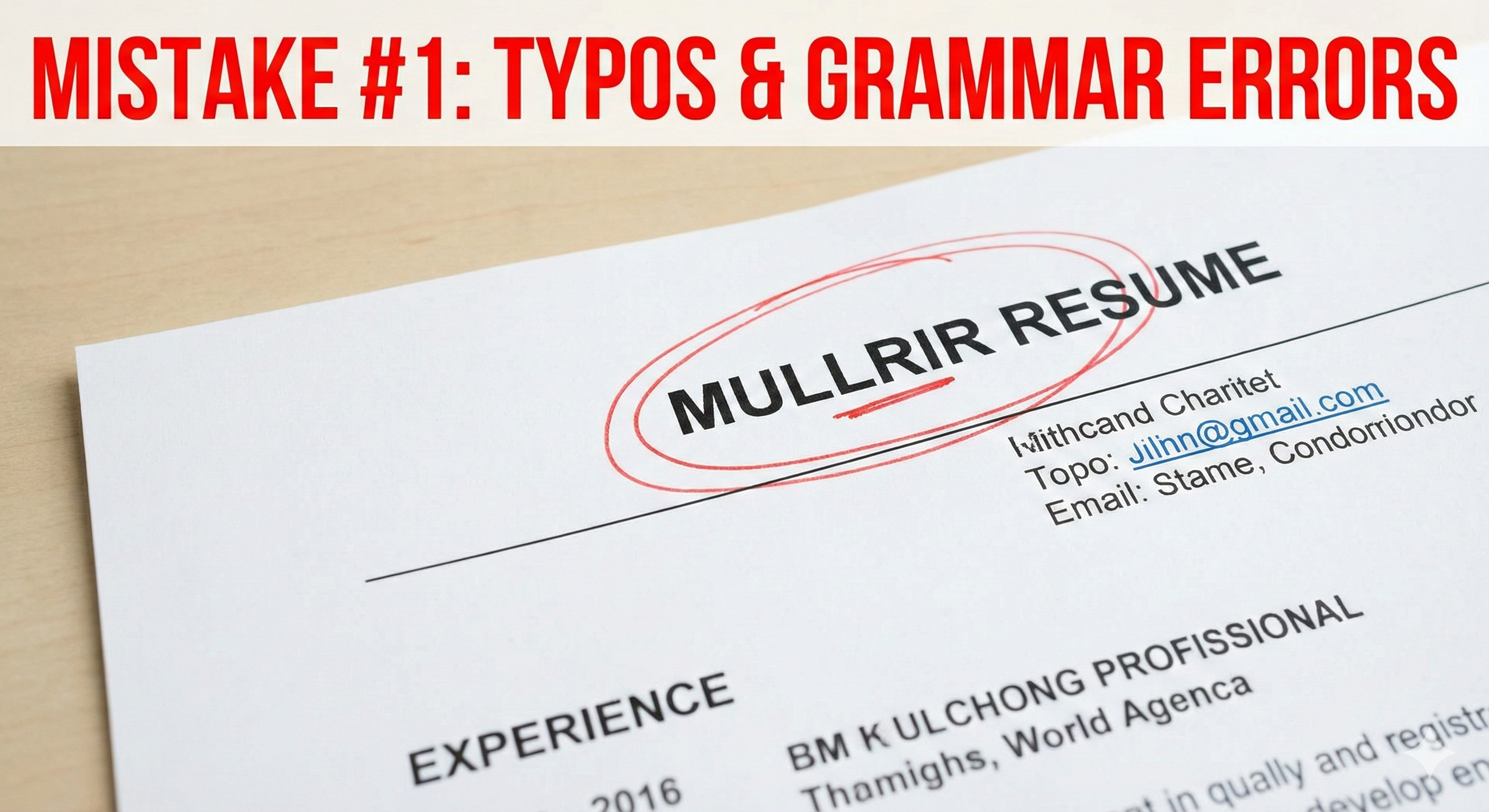
MISTAKE #1: Typos and Grammatical Errors
It seems obvious, right? Yet, this remains one of the most frequent and damaging mistakes candidates make. A single typo can be a major red flag for recruiters.
Why it’s a problem: Your resume is a reflection of your professional standards. To a recruiter, a resume with errors suggests a lack of attention to detail. If you can’t be bothered to proofread the one document that is supposed to represent your best self, how can they trust you with important company tasks? It screams “sloppy” and “unprofessional,” even if you are the most qualified candidate on paper.
How to fix it:
- Don’t rely solely on spell-check. Automated tools can miss context-specific errors (e.g., “their” vs. “there,” “manager” vs. “manger”).
- Read your resume backward. This forces your brain to process each word individually, making it easier to spot spelling mistakes.
- Read it out loud. This helps catch clunky phrasing and grammatical errors.
- Get a fresh pair of eyes. Ask a friend, family member, or mentor to review it. They will often catch things you’ve become blind to after staring at the document for hours.
MISTAKE #2: The Generic “One-Size-Fits-All” Resume
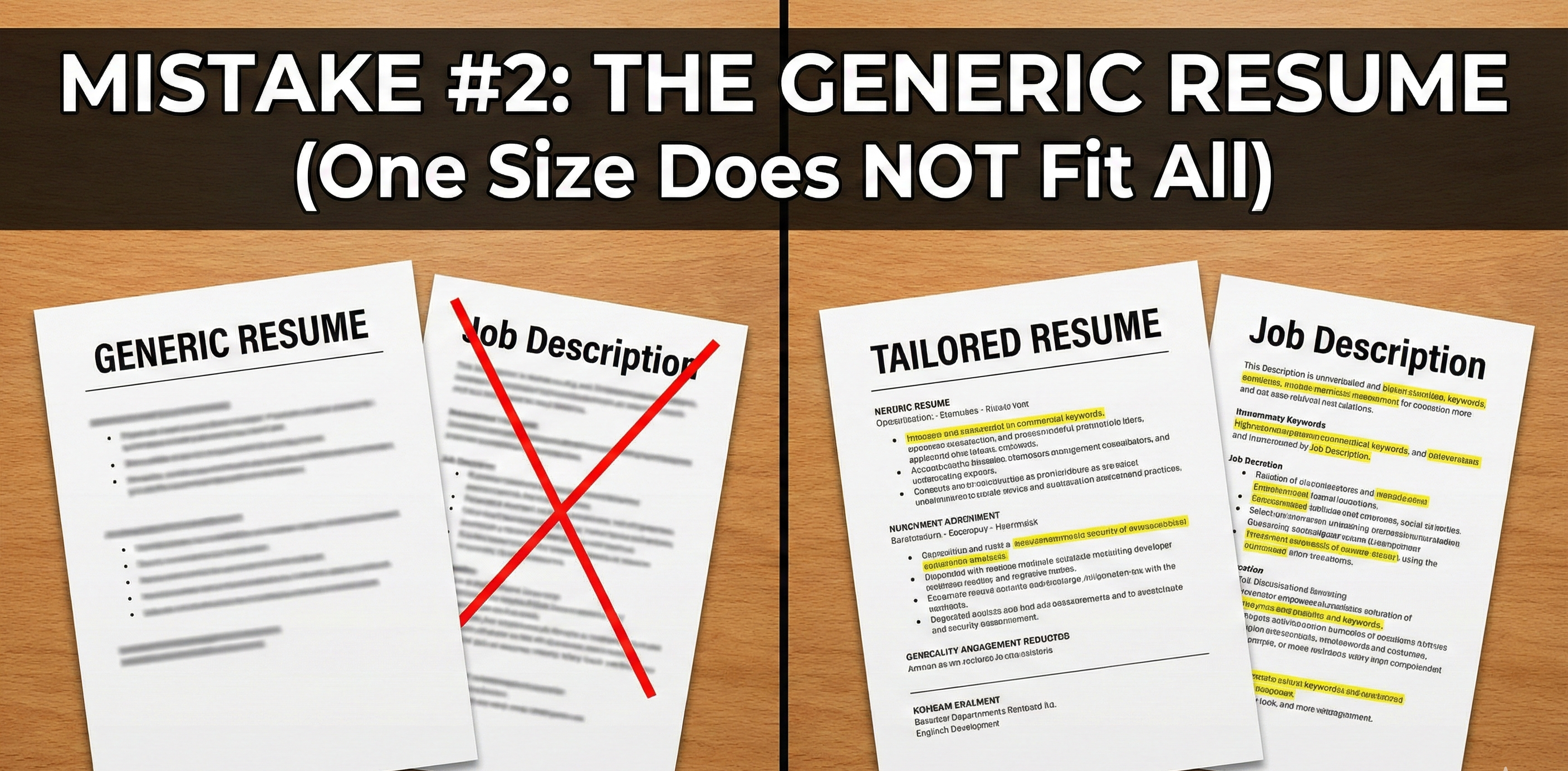
Another major pitfall is sending the exact same resume to every job you apply for. This “spray and pray” approach is rarely effective.
Why it’s a problem: Recruiters are looking for a specific set of skills and experiences that match the job they are hiring for. A generic resume that lists everything you’ve ever done, regardless of its relevance, forces the recruiter to do the work of connecting the dots. They don’t have time for that. They will quickly move on to a candidate who has clearly tailored their resume to the position. Furthermore, Applicant Tracking Systems are designed to scan for keywords from the job description. A generic resume will likely lack these keywords and get filtered out before a human even sees it.
How to fix it:
- Analyze the job description. Highlight the key skills, qualifications, and responsibilities mentioned. These are your keywords.
- Tailor your professional summary and skills section. Make sure your summary directly addresses the company’s needs and your skills section features the most relevant keywords.
- Customize your work experience bullet points. Rephrase your experience to highlight the aspects that are most relevant to the new role. Use the same language and keywords found in the job posting.
- Create a “master resume.” Keep a comprehensive document with all your experience. For each application, create a new copy and cut out anything that isn’t directly relevant to the job at hand.
MISTAKE #3: Listing Duties Instead of Achievements
Many resumes read like a job description, simply listing a series of tasks and responsibilities. This is a missed opportunity to showcase your value.
Why it’s a problem: A list of duties tells a recruiter what you did, but not how well you did it. Any candidate who held your job title likely had the same responsibilities. To stand out, you need to show the impact of your work. Employers want to know what you can do for them, and the best way to demonstrate that is by showing what you achieved for past employers.
How to fix it:
- Think in terms of the “STAR” method (Situation, Task, Action, Result), but focus on the Action and Result.
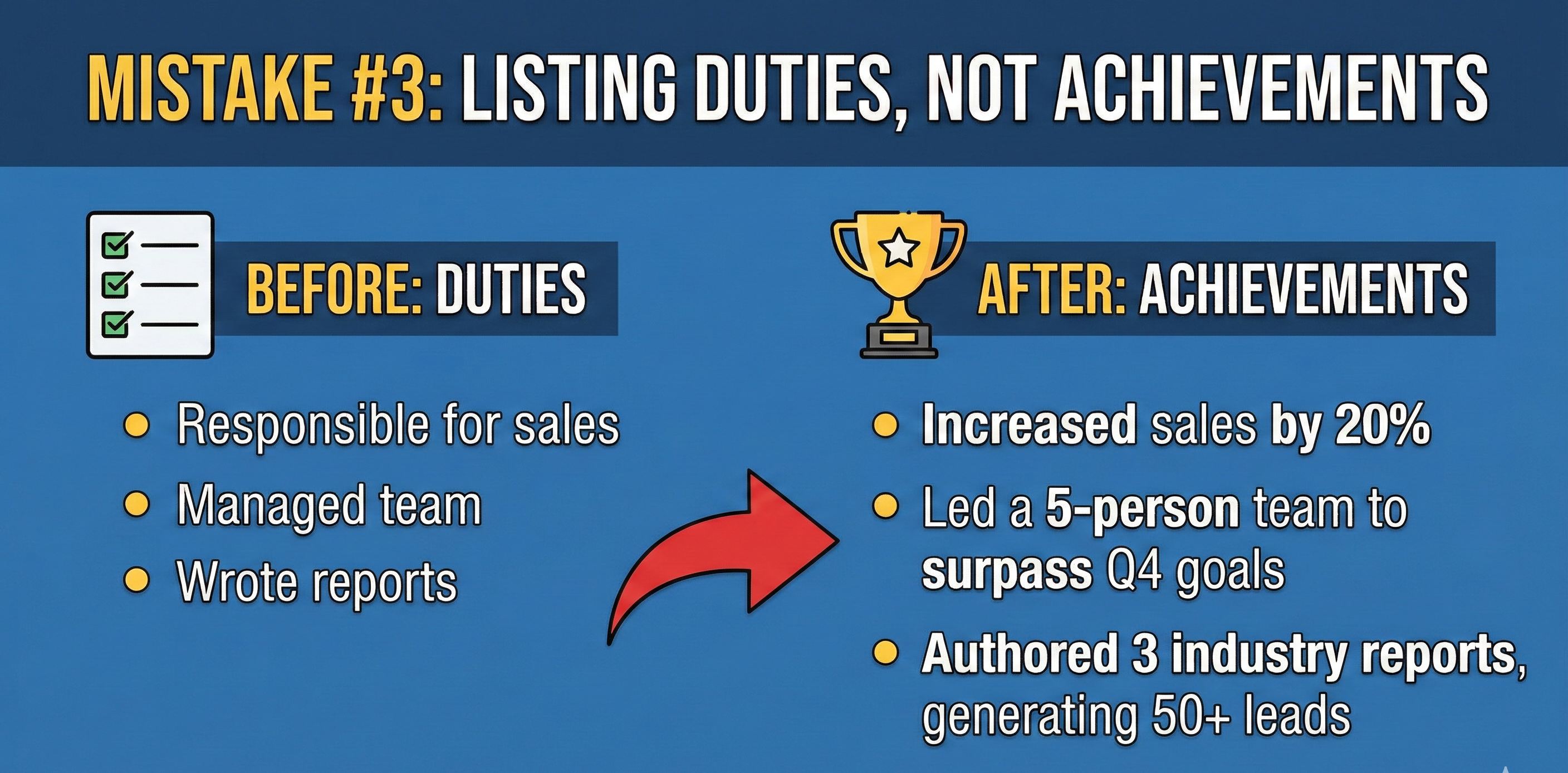
- Quantify your achievements whenever possible. Use numbers, percentages, and dollar amounts.
- Let’s look at an example. Instead of saying:
- “Responsible for managing social media accounts.”
- Try saying:
- “Developed and executed a new social media strategy that increased audience engagement by 35% and grew follower count by 5,000 within six months.”
See the difference? The first one is a passive duty. The second is an active, measurable achievement that tells a story of success.
MISTAKE #4: Poor Formatting and Cluttered Design
Your resume’s appearance matters. A document that is difficult to read will be quickly discarded.
Why it’s a problem: Remember the six-second rule? If a recruiter can’t easily find the information they’re looking for—your current job title, your skills, your education—they aren’t going to waste time hunting for it. A cluttered, disorganized resume with tiny fonts, inconsistent formatting, or blocks of dense text is a headache to read. It also makes it harder for an ATS to parse your information correctly.
How to fix it:
- Stick to a clean, professional layout. Use standard, easy-to-read fonts like Arial, Calibri, or Times New Roman in a legible size (10-12 points for body text).
- Use clear headings and bullet points. This breaks up text and makes your resume scannable.
- Embrace white space. Don’t try to cram every single detail onto the page. White space makes your resume look less daunting and easier to digest.
- Be consistent. Ensure your dates, job titles, and headings are formatted in the same way throughout the document.
- Save your resume as a PDF. This ensures that your formatting is preserved, no matter what device or operating system the recruiter is using.
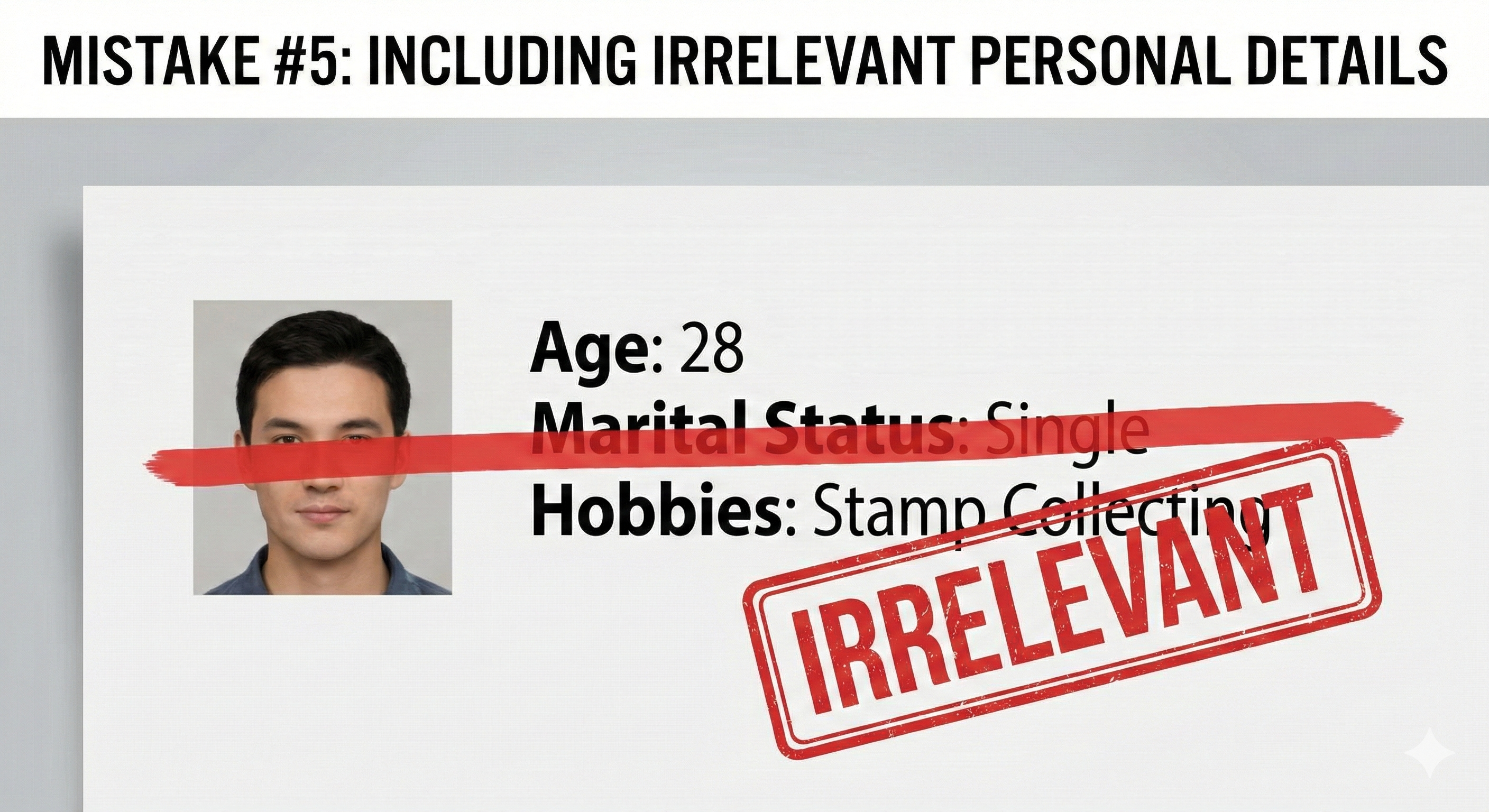
MISTAKE #5: Including Irrelevant Personal Information
In the past, it was common to include details like your age, marital status, or even a photo on your resume. Today, this is generally considered a mistake (with some exceptions for specific industries like modeling or acting, or in certain international contexts).
Why it’s a problem: Including personal information that has no bearing on your ability to do the job can open the door to unconscious (or conscious) bias. It also wastes valuable space on your resume that could be used to highlight your relevant skills and experience. Your resume should be a professional document, not a personal profile.
How to fix it:
- Remove your photo. Unless you are applying for a job where your appearance is directly relevant to the role, a photo is unnecessary and can be a distraction.
- Delete personal details. Do not include your age, date of birth, marital status, religion, ethnicity, or social security number.
- Leave out hobbies unless they are relevant. Listing “stamp collecting” as a hobby is unlikely to help you land a job as a financial analyst. However, if you are applying for a job in a creative field and your hobby is photography, it might be worth including. When in doubt, leave it out.
MISTAKE #6: Using an Unprofessional Email Address
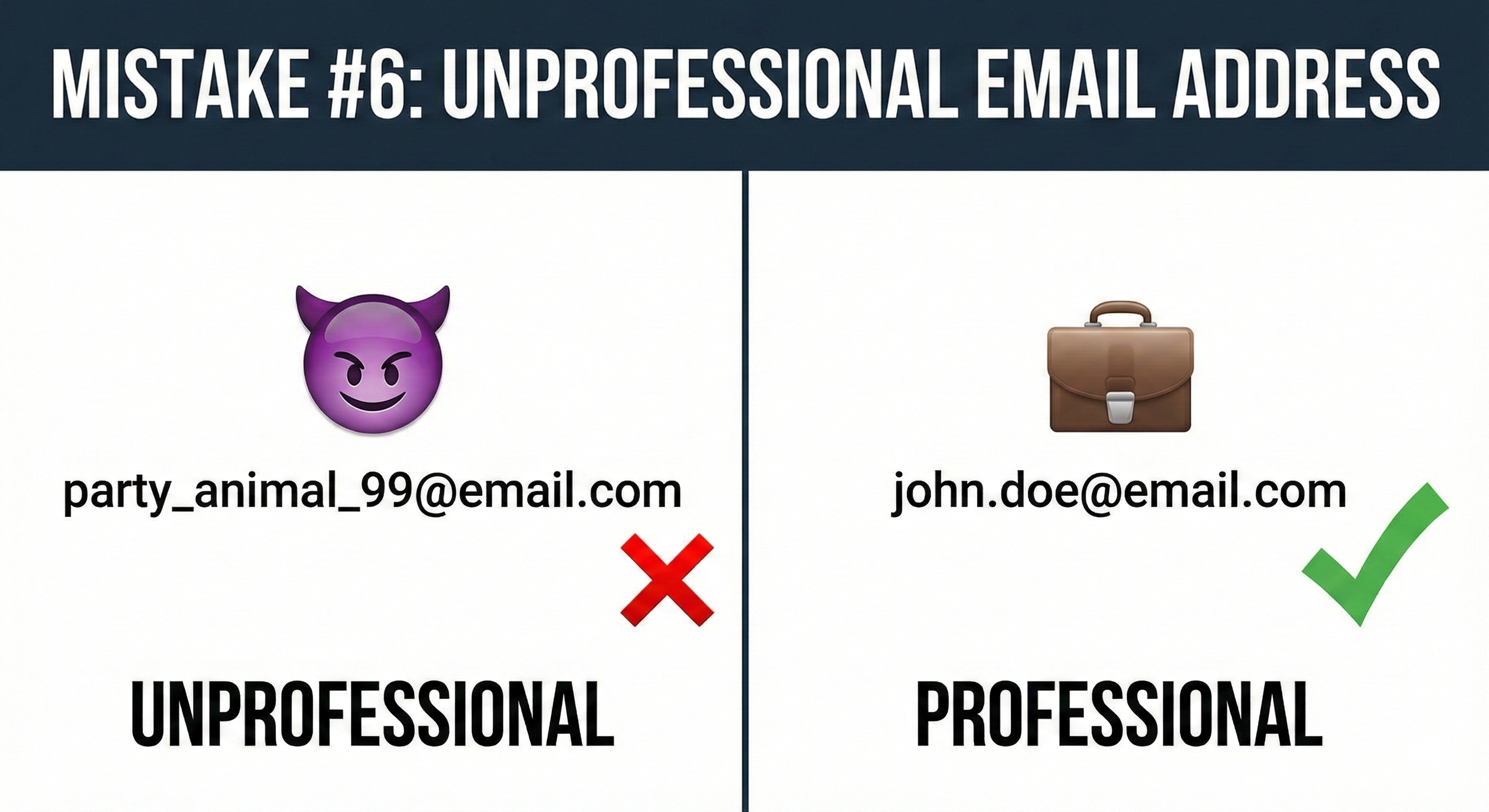
Your email address is often one of the first things a recruiter sees. An unprofessional one can make a bad first impression.
Why it’s a problem: Using an email address like “party_animal_99@email.com” or “sk8rboi_4_life@email.com” makes you look immature and unserious. It suggests that you haven’t taken the time to create a professional persona for your job search.
How to fix it:
- Create a dedicated professional email address. The best format is simply
firstname.lastname@email.com.If that’s already taken, try a combination likefirstname.middleinitial.lastname@email.comorfirstname.lastname.career@email.com. - Use a reputable email provider. Gmail is a good choice.
- Keep it simple. Avoid using nicknames, numbers, or anything that could be considered offensive or unprofessional.
BONUS TIP: Beat the Bots (ATS Optimization)
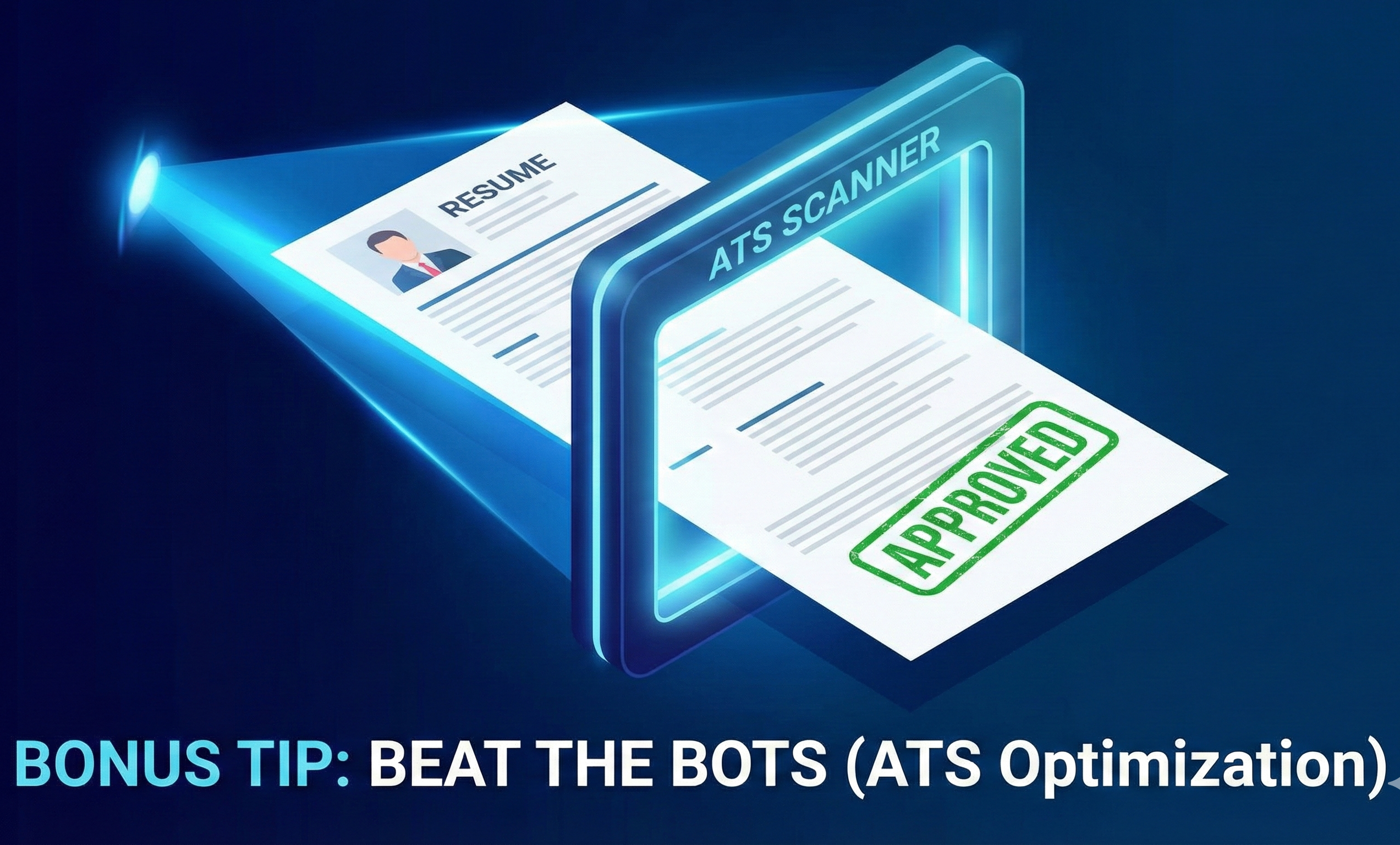
As mentioned earlier, many companies use Applicant Tracking Systems to filter resumes before they ever reach a human recruiter. If your resume isn’t optimized for these systems, it might be getting rejected automatically.
Why it’s a problem: ATS software is designed to scan your resume for specific keywords, skills, and formatting. If your resume is missing the right keywords, uses complex formatting like tables or graphics, or is saved in an incompatible file format, the ATS may not be able to read it correctly. This means your application could be automatically disqualified, even if you are a perfect fit for the job.
How to fix it:
- Use standard section headings: “Experience,” “Education,” “Skills,” etc.
- Avoid complex formatting: Steer clear of tables, text boxes, images, and unusual fonts. Stick to a simple, clean layout with standard bullet points.
- Incorporate keywords naturally: As we discussed in Mistake #2, identify the key skills and terms from the job description and include them in your resume.
- Save your resume as a .docx or .pdf file. These are the most commonly accepted formats.
Conclusion
Writing a great resume is an art and a science. By avoiding these common mistakes, you can create a powerful document that effectively showcases your skills and experience, passes the ATS scan, and grabs the attention of hiring managers.
Remember, your resume is a living document. It should evolve with your career and be tailored to each specific job you apply for. Take the time to review your resume carefully, make the necessary changes, and you’ll be well on your way to landing more interviews and securing your dream job. Good luck!
💡 Infalex Insight:
Tired of guessing if your resume is going to pass the ATS scan? Don’t leave it to chance. Upload your document to the Infalex AI Resume Analyzer, paste your target job description, and hit the “run AI Match” button. We will instantly identify missing keywords, highlight your skill gaps, and give you a precise score percentage so you know exactly how competitive your application is before you ever hit submit.
Keep Optimizing Your Job Search with Infalex
If you found these tips helpful, make sure your entire application strategy is up to date for 2026. Check out our other comprehensive guides:
Resume vs. CV: 5 Key Differences You Must Know to Get Hired in 2026 - Confused between a Resume and a CV? Learn the key differences in length, content, and purpose, and discover exactly when to use each document to land your dream job.
Stop Sending Your Resume Into a Black Hole: The ‘Invisible’ Formatting Mistake Rejection Your Application (And How to Fix It in 5 Minutes) - Is your resume disappearing into a black hole? Learn the critical reasons why Applicant Tracking Systems (ATS) reject your application and get actionable steps to fix your formatting fast.
Cracking the Code: Top Resume Keywords Recruiters Look for in 2026 - Unlock the secrets to getting your resume seen. Discover the essential keywords and phrases that Applicant Tracking Systems (ATS) and human recruiters prioritize in 2026.
The Ultimate Guide: Best ATS Resume Format for Freshers in 2026 - Stop getting rejected by bots. Learn how to build a high-ranking, ATS-friendly resume that actually lands interviews for entry-level roles in 2026.
Found this helpful? Share it.